ImageAssist Now Supports Canon DSLR Cameras
Tue Sep 01 2026
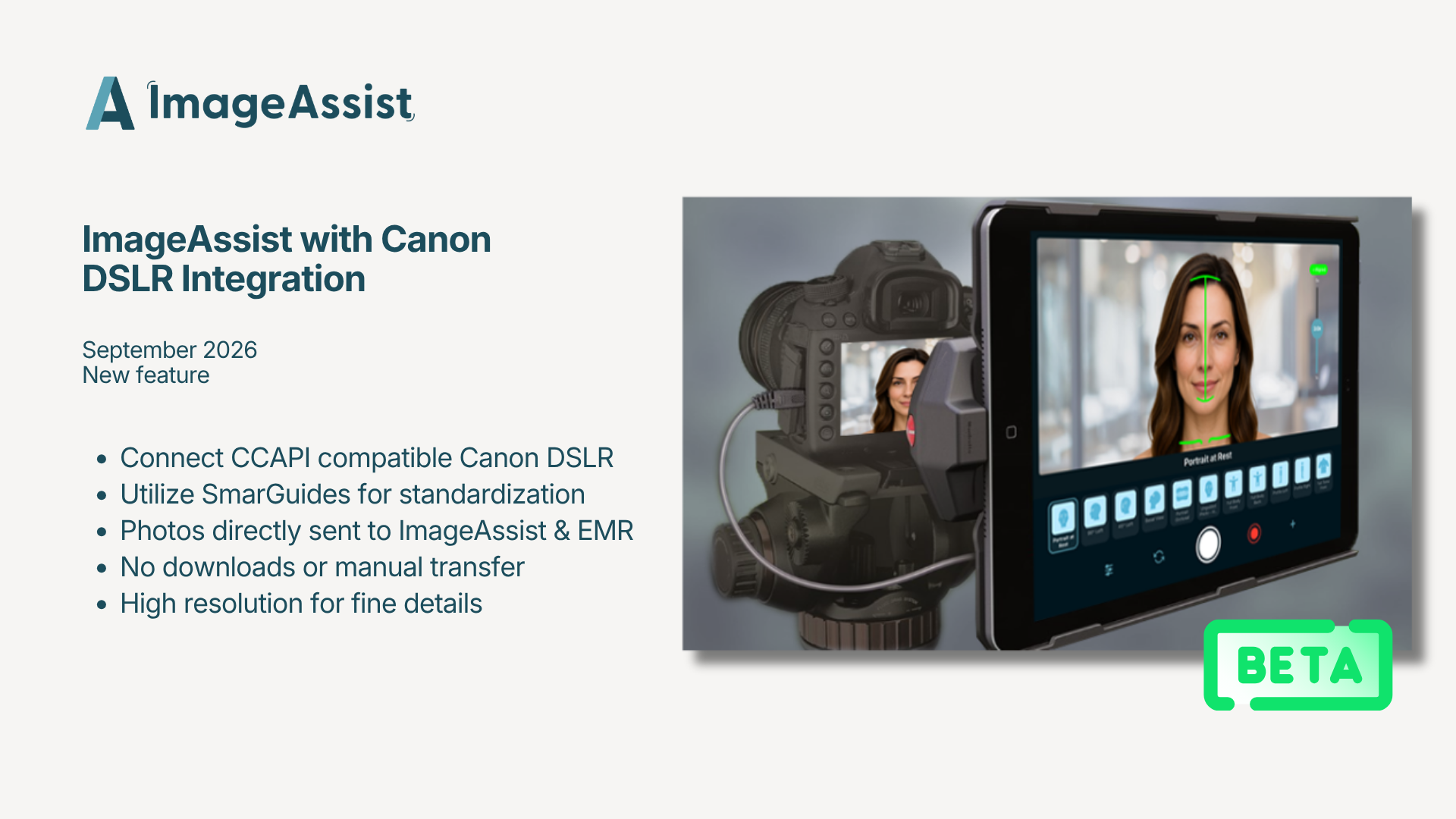
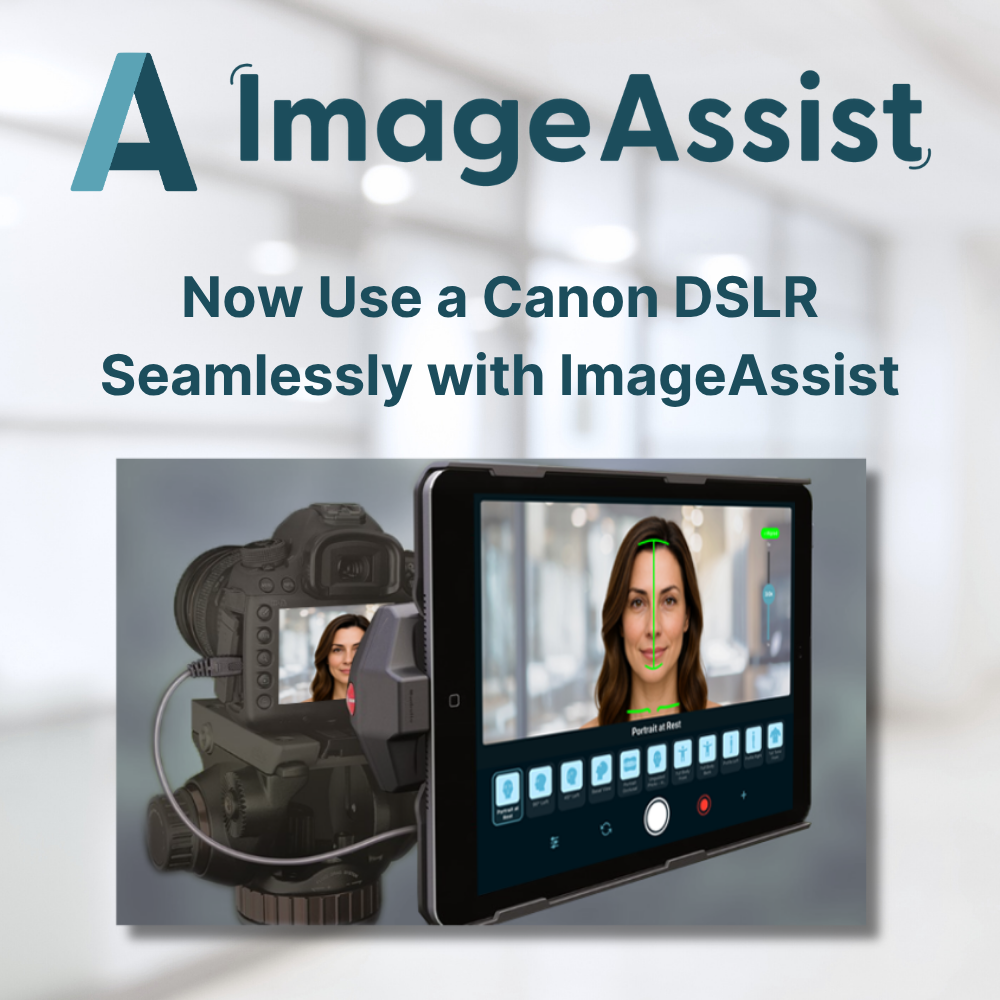
ImageAssist now supports CCAPI-compatible Canon DSLR cameras, bringing SmartGuide capture and direct EMR sync to your existing DSLR setup.
ImageAssist Now Supports Canon DSLR Cameras
(This feature is now in Beta! Reach out if you'd like to be a Beta Tester!)
For facial plastics and cosmetic dermatology, that detail is the work. Fine lines. Skin texture. Subtle changes in tone. The results that matter most are often the ones a phone camera can't quite resolve — and for practices documenting that level of nuance, the DSLR has always been the right tool.
The problem was everything that came after the shutter. SD cards. Manual imports. Files sitting on a desktop somewhere. A workflow completely disconnected from the one you use for everything else.
That ends today. ImageAssist now integrates with Canon DSLR cameras that support Canon's CCAPI.
See the list here. Full DSLR quality, guided capture
Your Canon connects directly to ImageAssist. The same SmartGuides you use on iPhone and iPad now work with your DSLR — standardized framing and procedure-specific protocols, at full sensor quality.
Your staff gets the same guided experience regardless of which camera is in their hands. Same standards, same consistency, every time.
Straight into the patient record
Photos captured on your Canon flow directly into ImageAssist and into your EMR patient record. No SD cards. No manual import. No files living somewhere they shouldn't.
The image quality of a DSLR with the workflow of a modern platform.
Built for practices where detail matters
If you're documenting facial aesthetics, resurfacing results, injectable outcomes, or fine-detail dermatologic cases, this is for you. The clinical photography workflow you already know — now at the resolution your work deserves.
Worth saying plainly: a DSLR isn't always the right tool. It captures detail an iPhone can't match, but iPhone and iPad are faster and more convenient at the point of care. Most practices will use both — DSLR for cases where fine detail is the documentation, mobile for everything else. ImageAssist works the same way on all of them.
Getting started
We'll be straight with you: enabling CCAPI on a Canon camera isn't the most user-friendly process — it's a Canon-side setup involving firmware and network configuration, and it takes some patience the first time through. The good news is it's genuinely one-and-done. Once your camera is configured, it stays configured. You won't touch it again.
If you're already using ImageAssist, connect your camera in Settings. If you're not, you can start a free trial anytime.
Have questions about setup or whether your camera is supported? Reach out at
support@imageassist.com — we're happy to walk you through it.