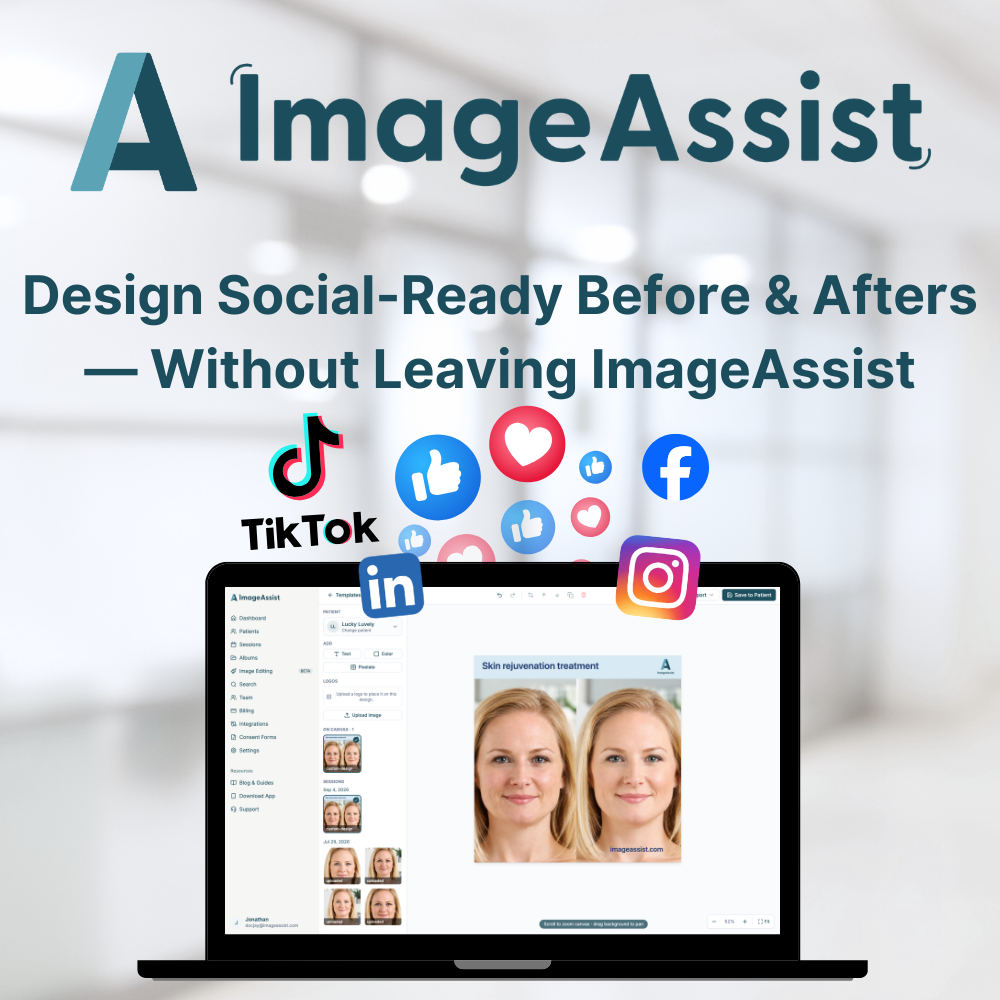
Design Social-Ready Before & Afters — Without Leaving ImageAssist
Fri Sep 04 2026
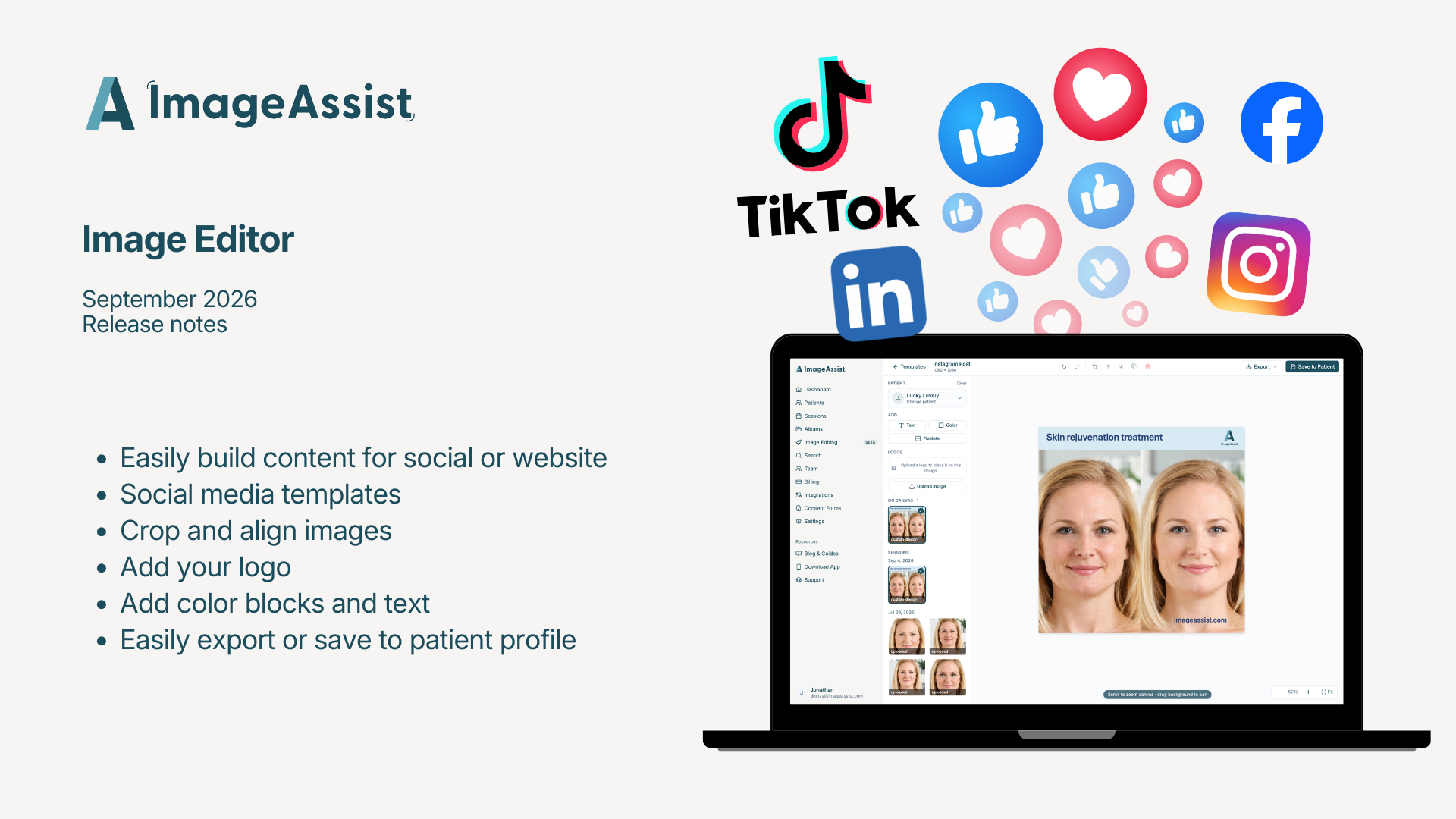
Our image editor now includes social media layouts, alignment tools, PHI blur, and custom branding — so you can go from clinical photo to published post without ever leaving ImageAssist.
Your before-and-afters are your best marketing. Getting them ready to post shouldn't require three other apps.
Until now, the workflow looked something like this: export photos from your platform, open a design tool, crop and align them by hand, blur anything sensitive, add your logo, resize for each channel, and hope nothing got lost — or exposed — along the way.
We just rebuilt the ImageAssist web editor so all of it happens in one HIPAA-compliant place.
Layouts built for where you post
Choose a layout sized for Instagram, Facebook, or LinkedIn and start designing. No guessing at dimensions, no cropping something twice because it looked right on one channel and wrong on another.
Perfectly aligned before-and-afters
Pull any photo from your ImageAssist account, or upload one directly. Crop and align images side by side so the comparison actually lines up — which is the difference between a post that builds trust and one that raises questions.
Blur what shouldn't be seen
Blur PHI, identifying features, or any sensitive area right in the editor. You can showcase a result without exposing a patient, and you never move the image outside a HIPAA-compliant environment to do it.
Make it yours
Add blocks of color and text to frame the work. Upload your logo and brand the image as your own. The finished piece looks like it came from your practice, because it did.
Export and publish
When it's ready, export a finished image sized for social or your website. From clinical photo to published post — start to finish, inside ImageAssist.
Why this matters
Every time a clinical photo leaves your platform, you take on a small risk: an image on a desktop, a file in a downloads folder, a patient photo living somewhere it shouldn't. Keeping the whole design process inside ImageAssist means your marketing gets easier and your compliance posture gets stronger.
The new editor is live now in the ImageAssist web app. Open any patient's photos and click Edit to try it.